


To create a TradingView account, go to tradingview.com and click on the member icon in the top-right corner. Then, select the "Sign In" button and choose your preferred verification method.
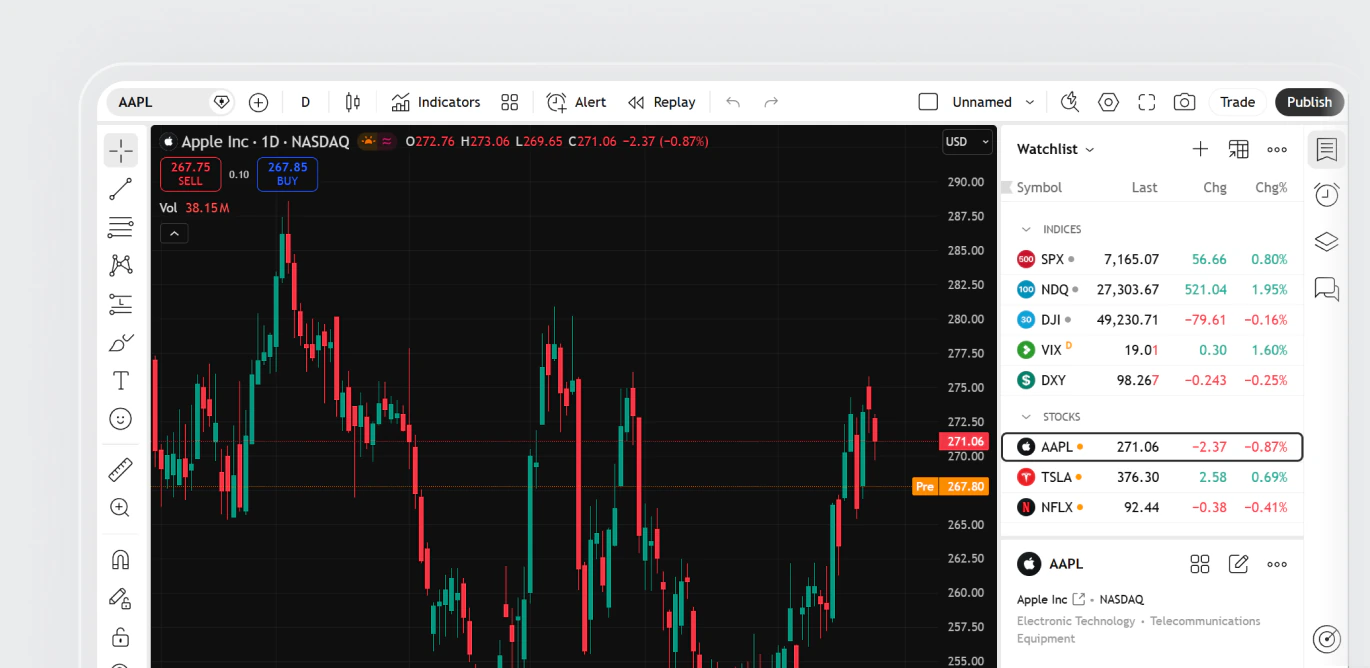
Access US, EU, UK, and Swiss stocks & ETFs directly from TradingView using your RoboMarkets Invest account
Why connect your Invest account to TradingView
Connect now
Advanced charts
Explore 20+ chart types and 110+ drawing tools for deeper market insights

Price alerts
Stay updated with custom alerts on prices, indicators, and strategies

Technical & financial analysis
Access 400+ pre-built indicators, 110+ drawing tools, and fundamental data for informed trading decisions

Social & community insights
Learn from and interact with investors worldwide through live streams and discussions
Why connect your Invest account to TradingView
Connect nowAdvanced charts
Explore 20+ chart types and 110+ drawing tools for deeper market insights
Price alerts
Stay updated with custom alerts on prices, indicators, and strategies
Technical & financial analysis
Access 400+ pre-built indicators, 110+ drawing tools, and fundamental data for informed trading decisions
Social & community insights
Learn from and interact with investors worldwide through live streams and discussions
Why connect your Invest account to TradingView
Connect nowAdvanced charts
Explore 20+ chart types and 110+ drawing tools for deeper market insights
Price alerts
Stay updated with custom alerts on prices, indicators, and strategies
Technical & financial analysis
Access 400+ pre-built indicators, 110+ drawing tools, and fundamental data for informed trading decisions
Social & community insights
Learn from and interact with investors worldwide through live streams and discussions
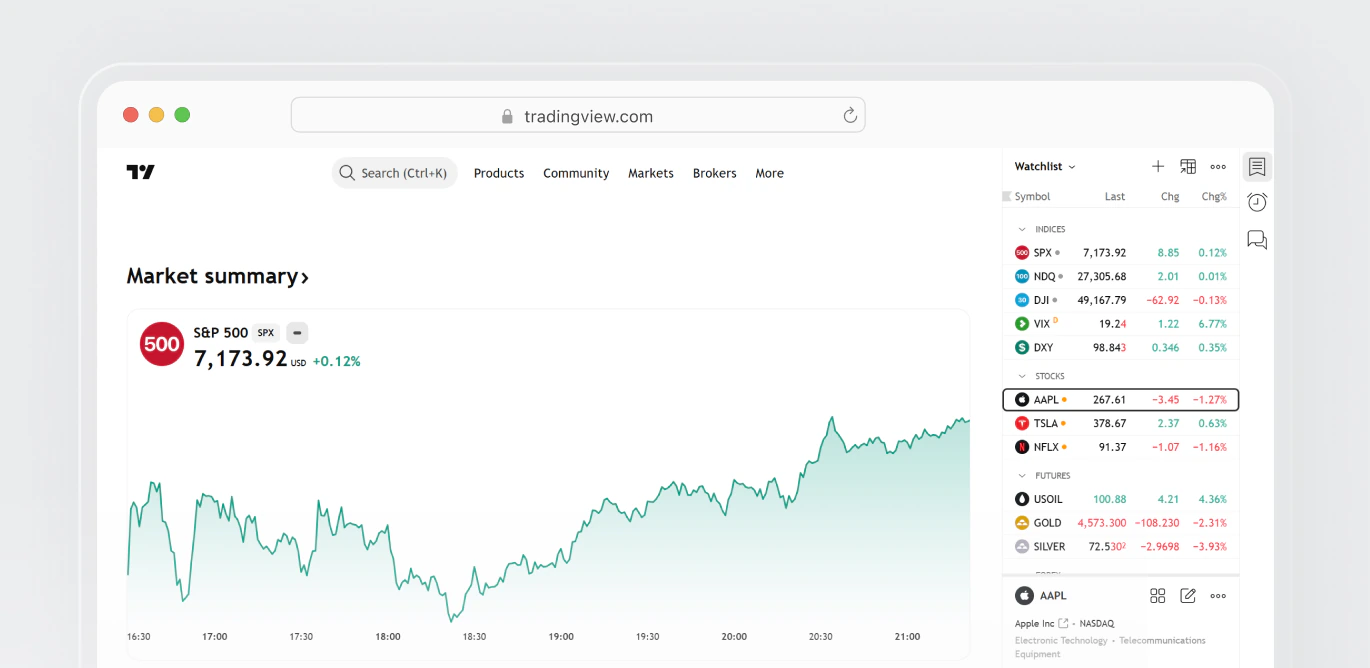
Seamlessly access your RoboMarkets account via TradingView on web, mobile, and desktop

Monitor and manage stocks & ETFs on the go


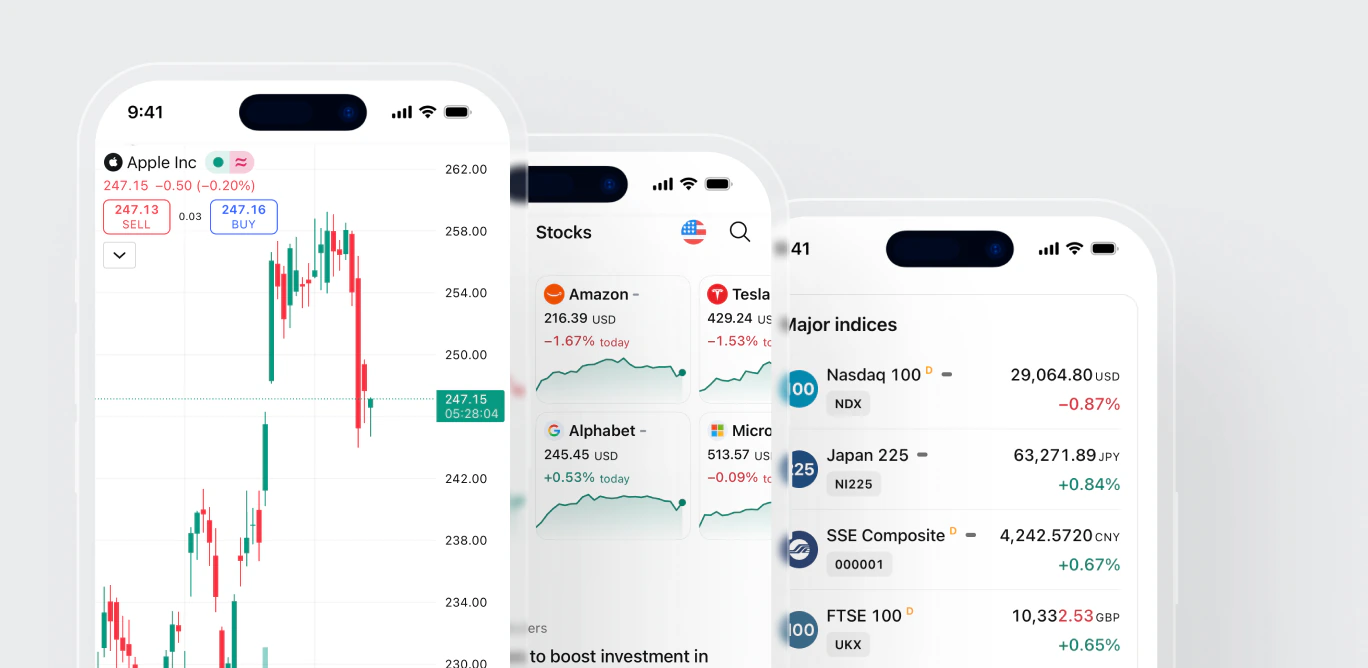
Monitor and manage stocks & ETFs on the go
Monitor and manage stocks & ETFs on the go
Whether you're new to RoboMarkets or already have an Invest account, follow these simple steps
Whether you're new to RoboMarkets or already have an Invest account, follow these simple steps
Whether you're new to RoboMarkets or already have an Invest account, follow these simple steps
Whether you're new to RoboMarkets or already have an Invest account, follow these simple steps
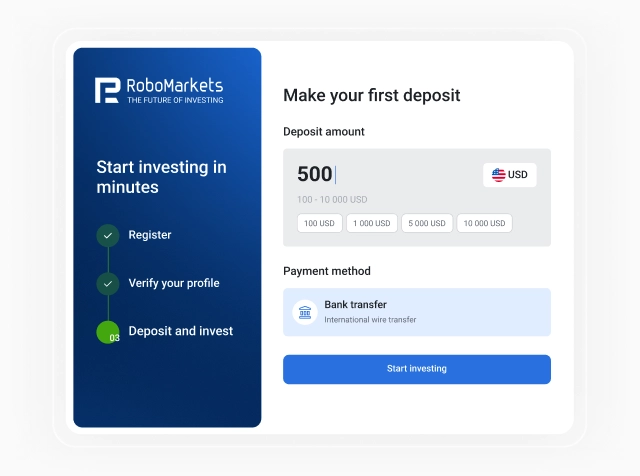
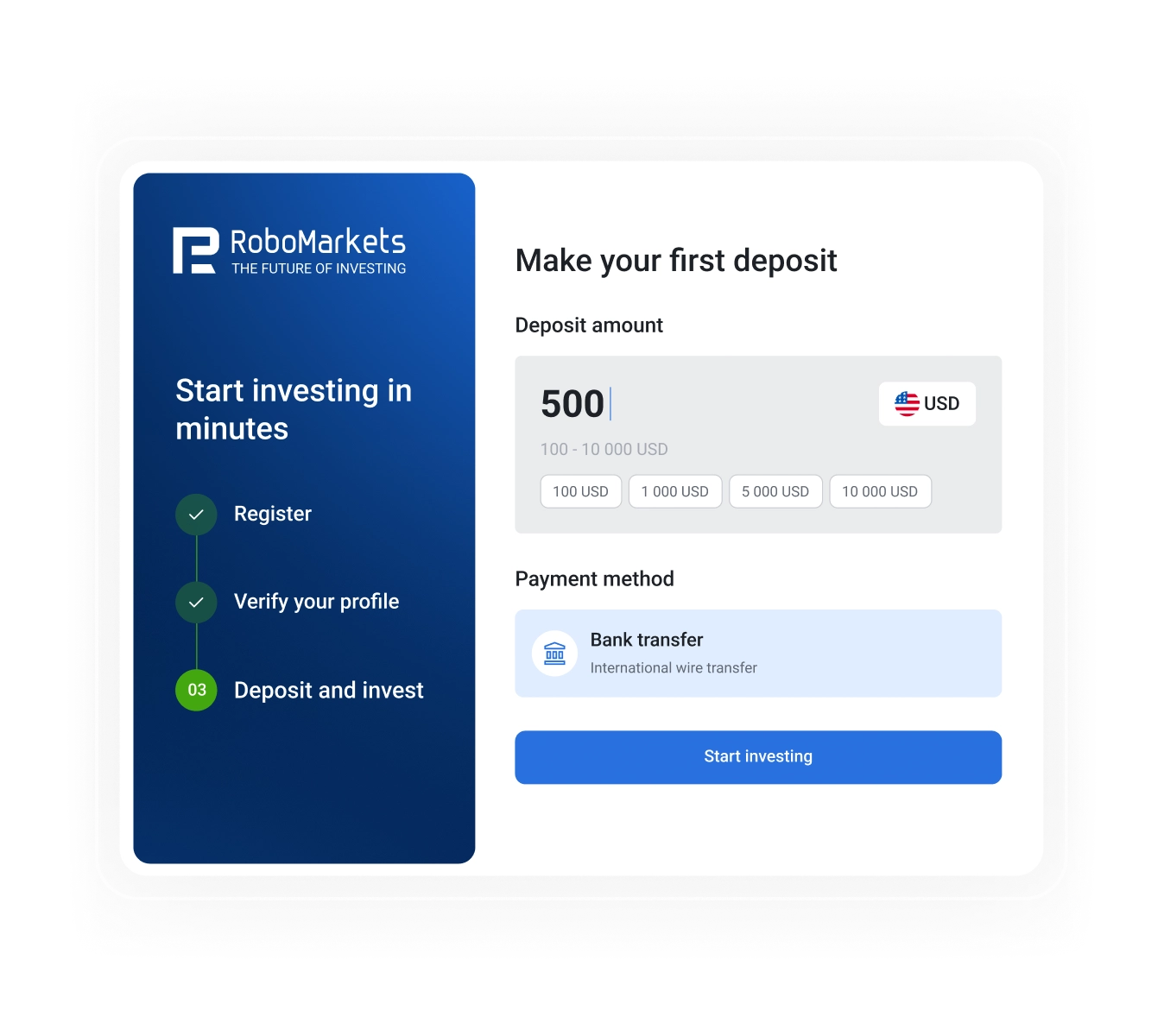
1. Set up Invest account
Sign up, verify, and fund your RoboMarkets Invest account
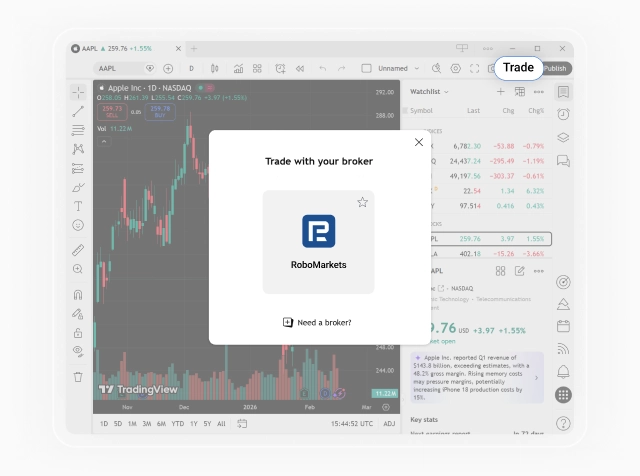
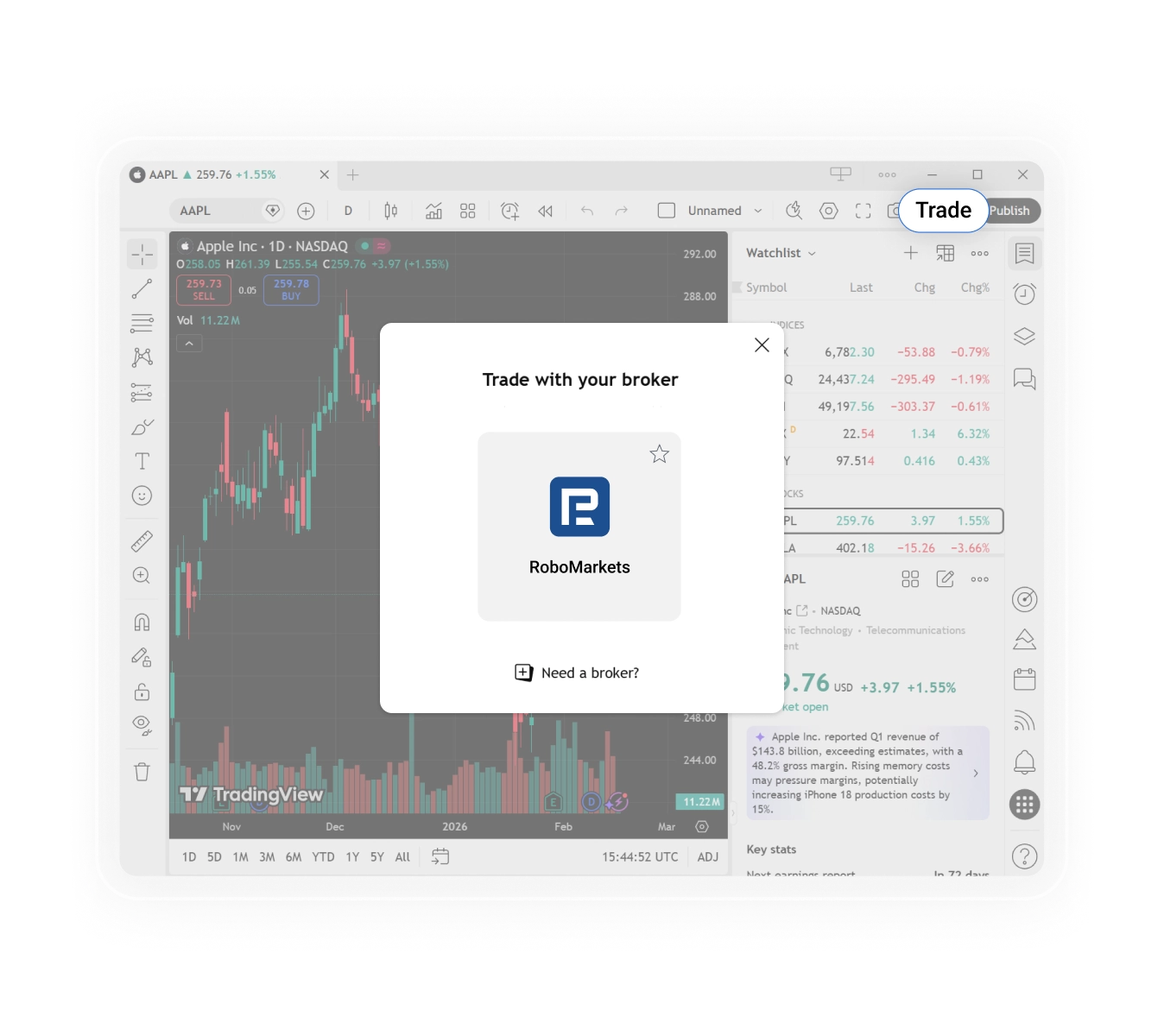
2. Open TradingView
Log in, open a chart, and select "Trade" to choose RoboMarkets.
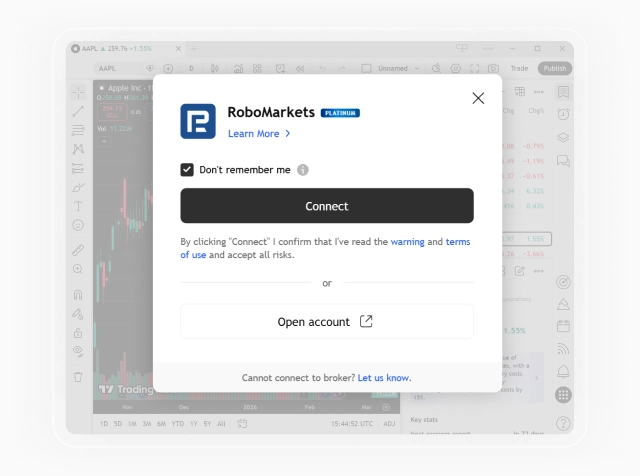
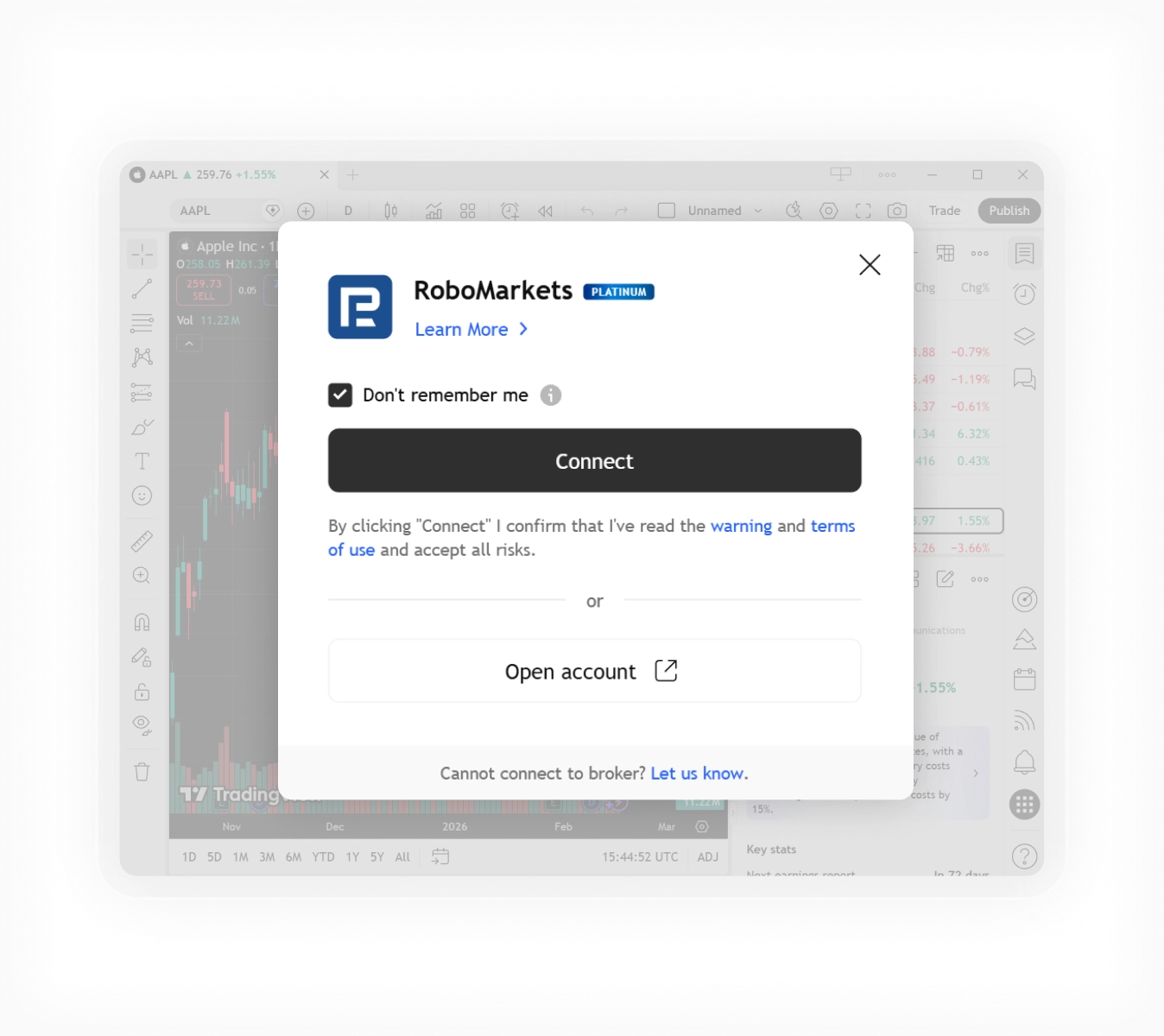
3. Connect Invest account
Choose "Connect" and log in to your RoboMarkets profile.
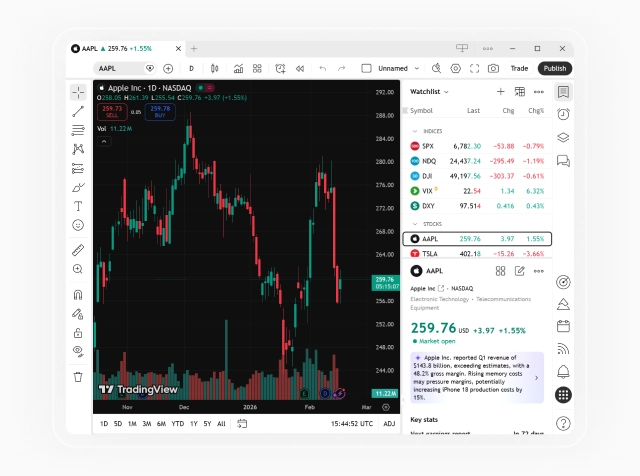
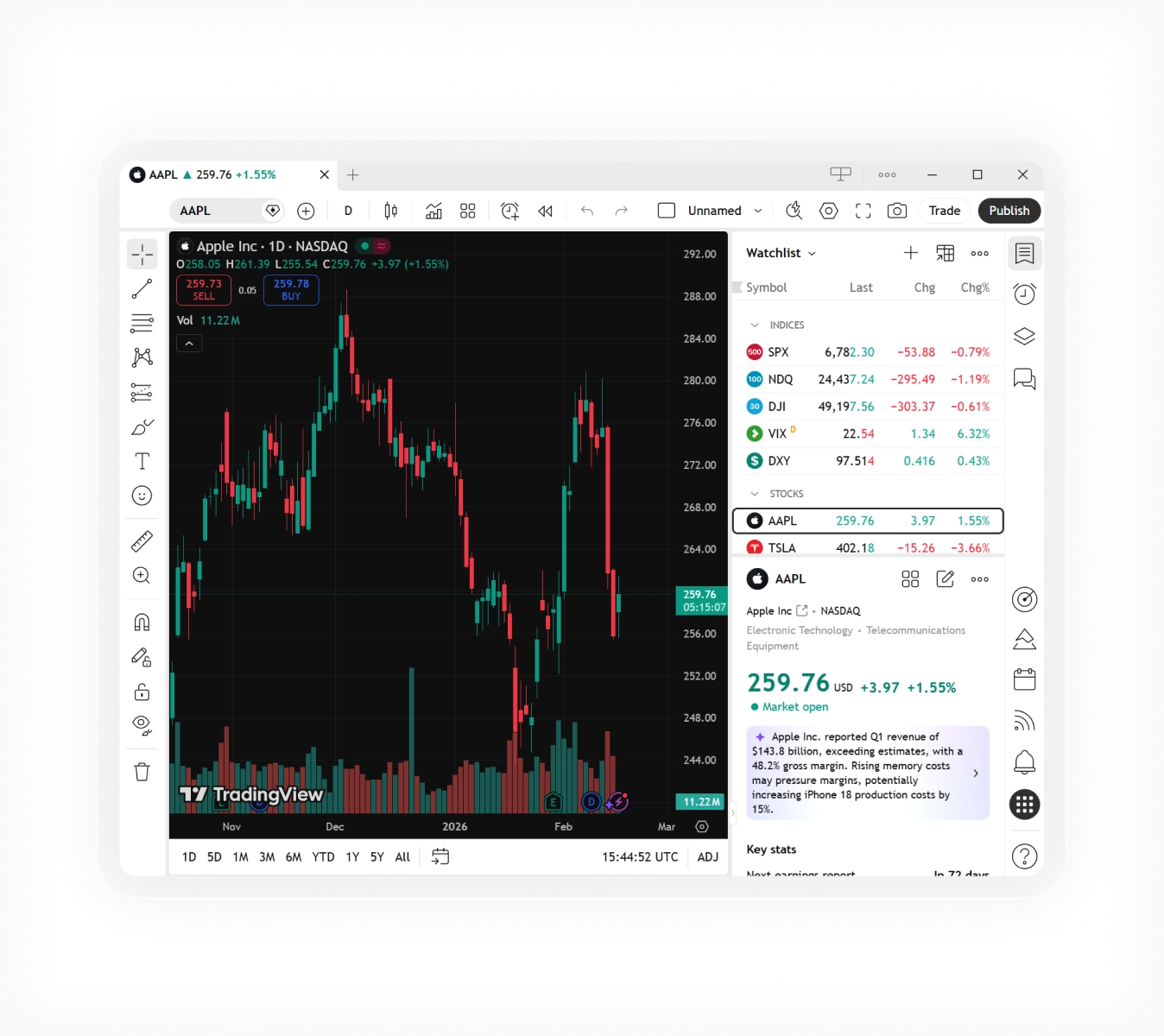
4. Invest via TradingView
Explore charts, track stocks & ETFs, and set price alerts.
See how traders benefit from TradingView integration
Real stories of traders using TradingView tools through RoboMarkets for better trading.
E
E**********
21.11.2024
C
C**********
09.11.2023
M
M*********
15.09.2023
F
F******
15.09.2023
V
V*******
15.09.2023
"Our partnership with RoboMarkets strengthens TradingView's offering, providing traders with access to US markets. Together, we're bringing a feature-rich and reliable stock trading experience for our users. This collaboration marks another step forward in our mission to make advanced trading accessible to everyone."

Vitaliy Kirpichev
"Our partnership with RoboMarkets strengthens TradingView's offering, providing traders with access to US markets. Together, we're bringing a feature-rich and reliable stock trading experience for our users. This collaboration marks another step forward in our mission to make advanced trading accessible to everyone."
Vitaliy Kirpichev
Business Performance Lead, International Growth, TradingView
"Our partnership with RoboMarkets strengthens TradingView's offering, providing traders with access to US markets. Together, we're bringing a feature-rich and reliable stock trading experience for our users. This collaboration marks another step forward in our mission to make advanced trading accessible to everyone."
Vitaliy Kirpichev
Business Performance Lead, International Growth, TradingView